

Beyond eSignature: Automate Your Entire Document Workflow
DottedSign goes beyond signing. Route, approve, notify, track, and archive every document automatically — so your operations team spends less time chasing approvals and more time moving work forward.
eSignature Was Just the Starting Point
Digitizing signatures alone doesn't fix slow operations. Real efficiency comes from automating the entire document journey — every routing step, every approval, every notification — before and after the signature itself. That's the shift from eSignature to operational workflow automation.
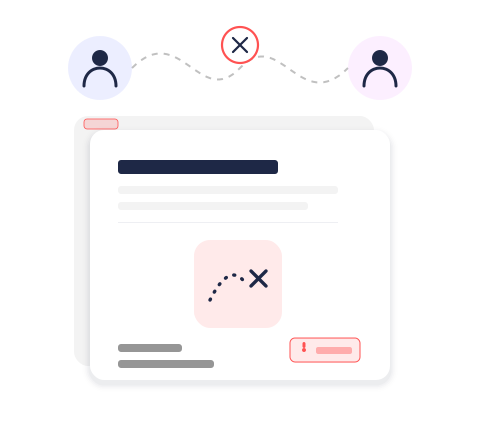
Signature Tools Alone Can't Fix a Broken Workflow

Approvals stall in email threads and shared drives with no clear routing or ownership
Teams have no visibility into where a document is stuck in the approval chain
Manual handoffs between departments cause duplicate work and missed steps
Signed documents get lost across disconnected tools instead of a single system of record
Compliance teams struggle to reconstruct a complete audit trail after the fact
Point eSignature tools digitize the signing moment but leave the rest of the process manual
One Platform for the Entire Document Journey
DottedSign automates what happens before, during, and after signing — so your workflow runs itself.

Automated Approval Routing
Define multi-step approval sequences once, and DottedSign routes every document to the right approver automatically, in order.

Real-Time Status Tracking
See exactly where every document sits in the workflow, with live status updates instead of manual check-ins.

Automated Notifications & Reminders
Approvers and stakeholders are notified automatically at every step, so nothing waits on someone remembering to follow up.

Centralized Document Control
Every version, approval, and signature lives in one system of record instead of scattered across email and shared drives.

Audit-Ready Trail, Automatically Captured
Every routing, approval, and notification step is time-stamped and tamper-evident, ready for compliance review at any time.

API Integration for End-to-End Automation
Connect DottedSign to the operational systems you already run, so workflow automation extends beyond the document itself.
From Manual Handoffs to Automated Workflow
Step 1
Route

Step 2
Approve
Step 3
Notify
Step 4
Track
Step 5
Archive
Built for Every Operational Approval Workflow

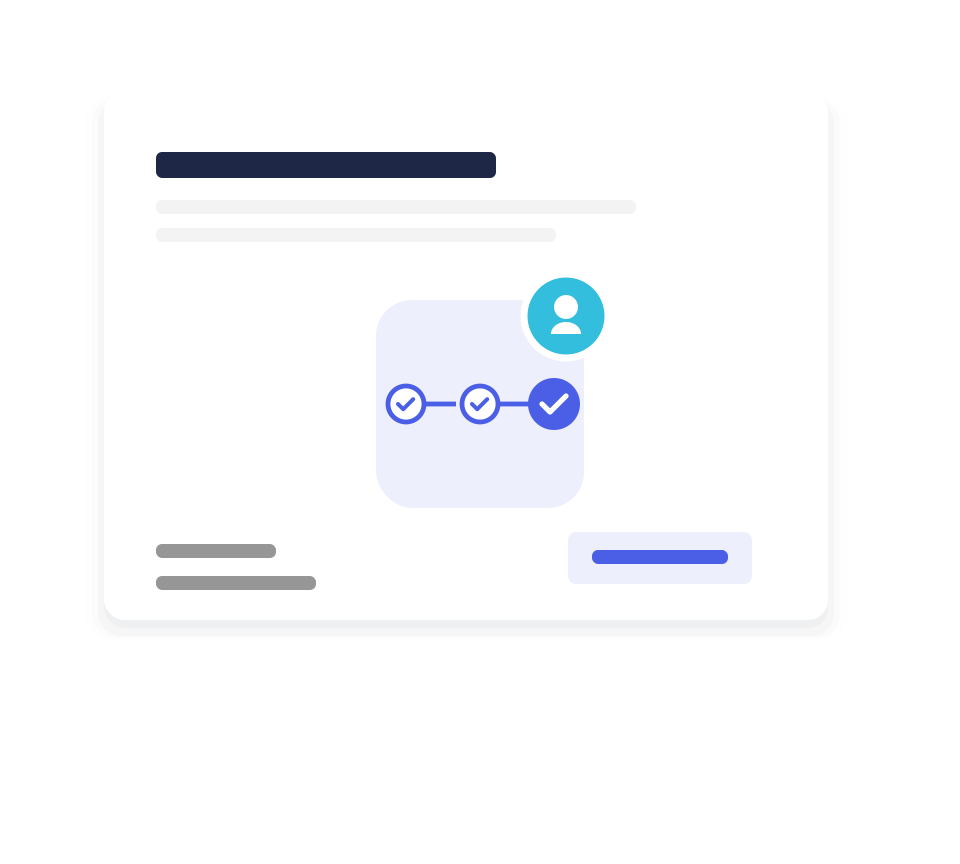
Approvals
- Automatic routing through a defined approval chain
- Full visibility into where each request stands
- Works for budget requests, purchase orders, and internal sign-offs
DottedSign vs. Traditional Workflow
Signing a document is one step. DottedSign automates the entire workflow around it.
Frequently Asked Questions
How is DottedSign different from a standalone eSignature tool?
Standalone eSignature tools digitize the moment someone signs. DottedSign automates the entire document journey around that moment — routing, multi-step approvals, notifications, real-time tracking, and archiving — so your team isn't left doing everything else manually.
Do we need to change our existing documents or templates?
No. You can upload the PDF forms and templates you already use today, with no reformatting or migration project required.
Can we set up multi-step approval chains?
Yes. You can define an ordered approval sequence — for example department lead, then finance, then compliance — and DottedSign routes each document automatically to the next approver.
How does DottedSign keep our operations team informed without manual follow-up?
Approvers and stakeholders receive automated notifications the moment a document is ready for their step or has been completed, so nobody has to send a status-check email.
What visibility do we get into where a document is in the workflow?
Operations and admins can see the real-time status of every document — who has acted, who hasn't, and what step comes next — from a single dashboard.
Is there a complete audit trail for compliance?
Yes. Every routing step, approval, notification, and signature is time-stamped and tamper-evident, giving compliance teams a ready-made record for any audit.
Can DottedSign connect to the systems we already use?
Yes. DottedSign supports API integration, so you can connect document workflows to your existing operational, CRM, or compliance systems and extend automation beyond the document itself.
How long does it take to move from eSignature to full workflow automation?
Most teams can configure their first automated approval workflow in days, not months, since it builds on documents and processes you already use.
Ready to Drive Your Business Growth With DottedSign?
Talk to our sales team to explore how DottedSign can be tailored to your existing workflows and systems.

Schedule a demo
Get pricing information
Explore use cases for your team
Powered by KDAN


