

A Clearer Way to Fix Slow Approvals — Before You Buy Anything
Distributed teams lose hours every week to stalled approvals, lost paperwork, and disconnected tools. Start with a free workflow assessment: our specialists map where your documents get stuck and show you exactly what to fix — no software pitch required.

Why Workflow Problems Extend Beyond eSignatures
Slow approvals are rarely just a signing problem. They're usually a symptom of routing that depends on one person's inbox, handoffs between paper and email, and no shared visibility into where a document actually is. Swapping in eSignature alone rarely fixes any of that — which is exactly why we start with an assessment, not a sales pitch.
What We Review During the Assessment
Approval Routing
How requests move between people, departments, and locations today — and where the chain breaks down.

Document Handoffs
Where paper, email, and shared drives create version confusion or lost approvals.
Bottleneck Points
Which specific steps or approvers cause the most delay, and why.

Tool Compatibility
What's already in your stack, and what any recommendation would need to work with.
Is a Workflow Assessment Right for You?

Approvals cross multiple departments, locations, or teams
Recurring delays or missed deadlines tied to document sign-off
A mix of paper, email, and point tools handling approvals today
Considering new software but unsure what to fix first
Assessment Outcomes & Recommendations
A Clear Workflow Map
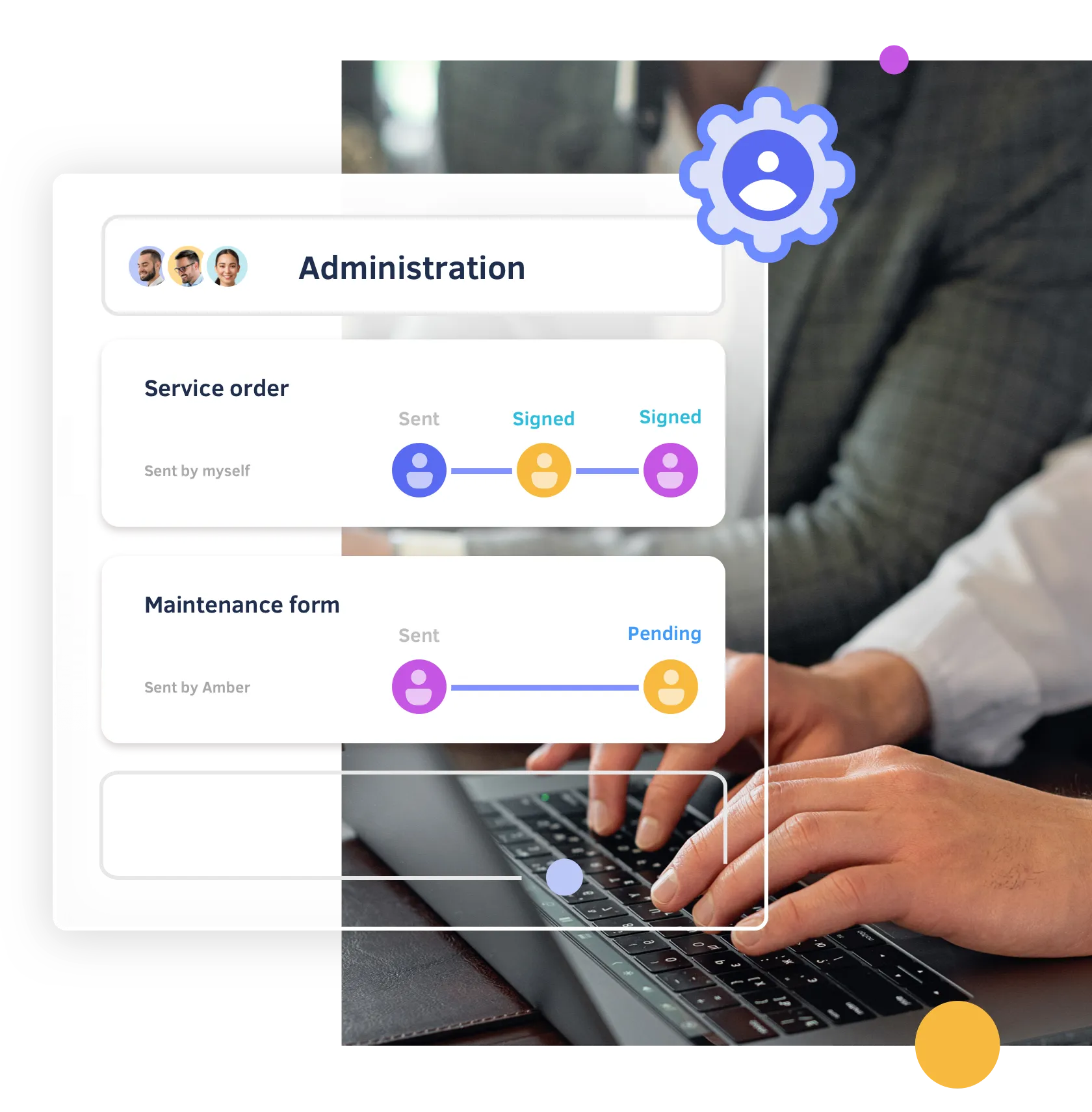
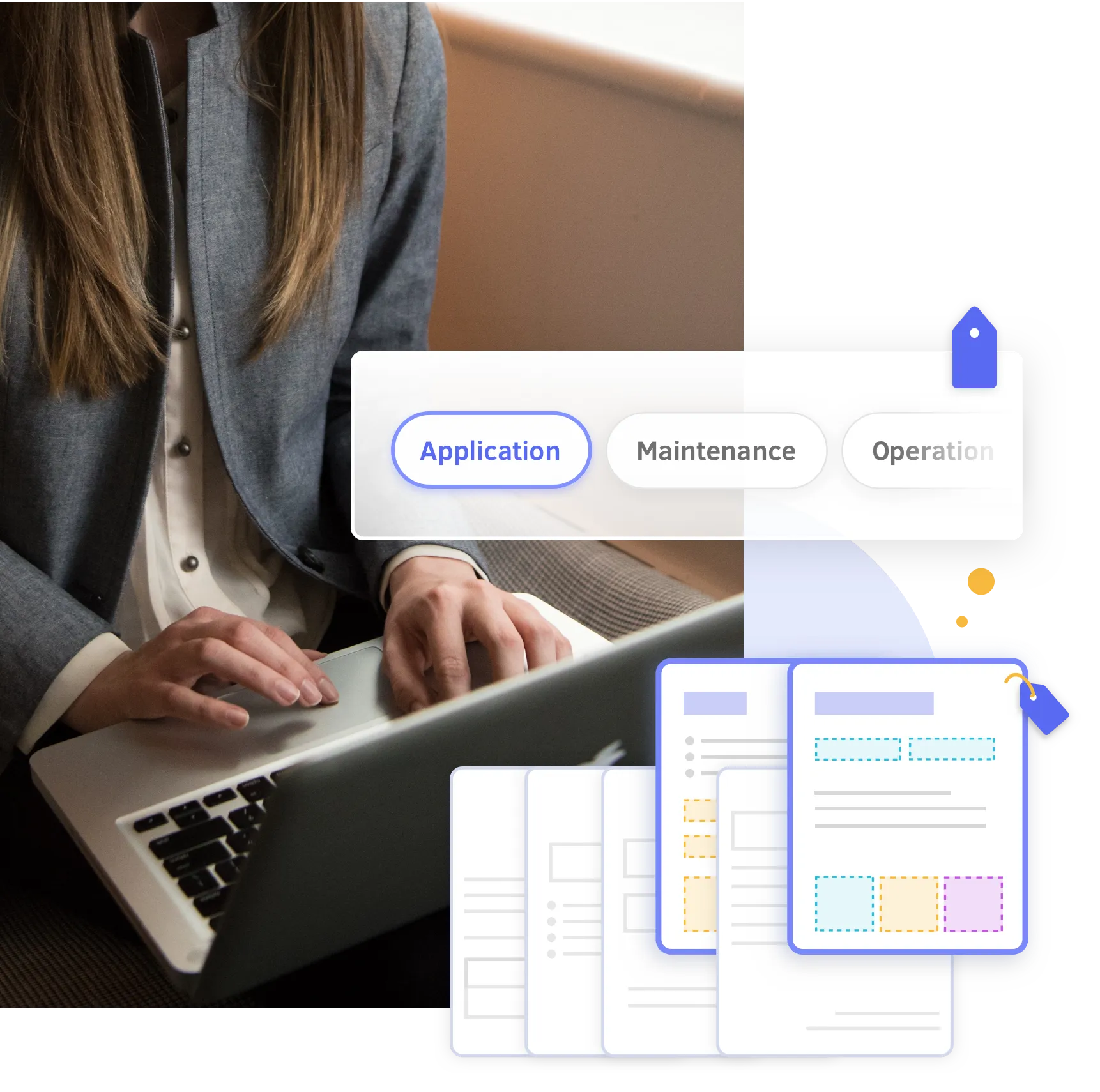
- A visual map of every approval step in your current process — who signs off, in what order, and how a document actually moves from first draft to final signature. Each handoff is labeled with the team or role responsible, so bottlenecks and duplicate approvals are easy to spot at a glance, not just described in a summary.
Prioritized, No-Obligation Recommendations
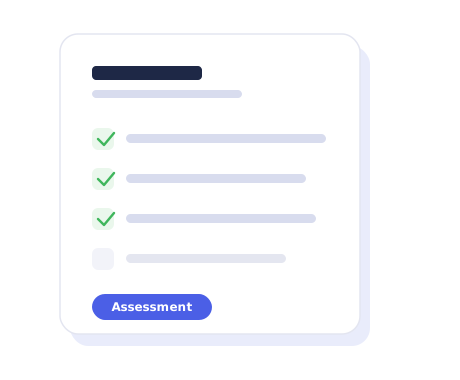
- A ranked list of the fixes that save the most time for the least effort, from quick process changes you can make this week to larger workflow redesigns worth planning for. Each recommendation notes whether it requires new software or just a change to how approvals are routed, with no obligation to buy anything.
Common Workflow Use Cases

Change Order Approvals
Why Start with an Assessment
Buying software first means guessing at the fix. Starting with an assessment means knowing exactly what to fix — and whether new software is even the answer.
The Assessment Process

Step 1
Share Your Current Process

Step 2
We Map Your Workflow

Step 3
Get Your Recommendations

Step 4
Decide What's Next
Frequently Asked Questions
Is the assessment really free?
Yes. There's no cost and no obligation to purchase anything afterward. If the best fix for your workflow doesn't involve DottedSign, we'll tell you that too.
How long does an assessment take?
Most assessments are completed in a single consultation call, typically 30–45 minutes, based on the information you share about your current process.
Will I be pushed to buy software during the call?
No. The assessment is consultative, not sales-driven. Our goal is to identify what's actually causing delays, and we only recommend a purchase when it's genuinely the right fix.
What industries is this assessment designed for?
Any organization with approval-based or document-heavy workflows, including construction, energy, utilities, field service, manufacturing, logistics, healthcare, and professional services.
What happens after the assessment?
You'll receive a written summary of the bottlenecks we found and a prioritized set of recommendations. What you do with it, including whether you work with us further, is entirely up to you.
Who should join the assessment call?
Whoever understands how documents and approvals move today — often an Operations Leader, IT Manager, COO, or someone leading a digital transformation initiative.
Get Your Free Workflow Assessment
Tell us a bit about your team, and we'll set up a no-obligation consultation to map your approval workflow and share what we find.

A consultative review, not a sales call
Specialists map your real approval workflow
Walk away with prioritized recommendations either way
Powered by KDAN


