

Turn Completed Service Calls Into Invoices, Same Day
Collect customer approvals and completed service documentation on-site with DottedSign, so every finished job flows straight into invoicing — no paperwork delays, no chasing signatures after the fact.

The Platform That Closes the Gap Between Service Completion and Payment
For field service organizations running recurring visits and maintenance operations, DottedSign automates the final stage of service delivery — capturing customer signoffs and completed documentation the moment a job wraps up, so invoicing can start immediately instead of waiting on paperwork to reach the office.
Post-Service Paperwork Is Delaying Your Cash Flow

A completed job doesn't become a paid invoice until signed paperwork makes it back to the office.
Customers are chased by phone or email for approvals days after the technician has already left.
Dispatch and billing teams can't tell which jobs are ready to invoice without calling the field.
Missing or incomplete signoffs create disputes and rework long after the service visit is over.
Maintenance and warranty records live on paper or in disconnected apps, making renewals and audits harder than they should be.
Every extra day between service completion and invoicing pushes back cash flow and customer satisfaction.
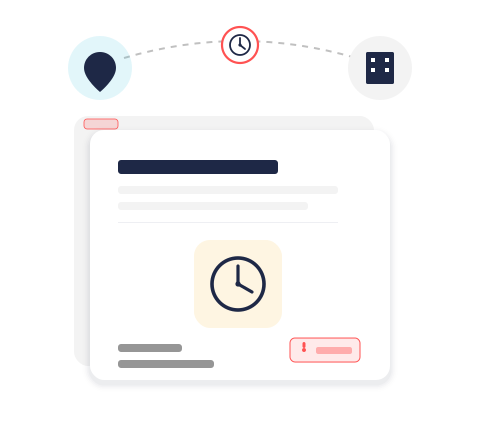
Everything You Need to Automate Service Completion
Purpose-built workflows that capture customer approvals and completed documentation the moment a service visit ends.

On-Site Customer Approvals
Capture legally binding customer signoffs on any phone or tablet before the technician leaves the job site.

Instant Invoicing Handoff
Route completed, signed service records straight to invoicing the moment a job is closed out.

Centralized Service Records
Store every completed service report, maintenance log, and signoff in one searchable place.

Audit-Ready Documentation
Automatic timestamps and version history keep every signoff and completion record audit-ready.

Enterprise-Grade Security
Encrypted transmission and storage protect customer approvals and completed service records.

Configurable Completion Workflows
Adapt signoff and documentation templates to match how your service and maintenance teams already close out jobs.
See the Workflow: From Final Signoff to Invoice-Ready

Step 1
Complete the Service Visit

Step 2
Capture the Customer Signoff

Step 3
Submit the Completed Record

Step 4
Sync Straight to Invoicing
Completion Documentation Built for Every Job Type

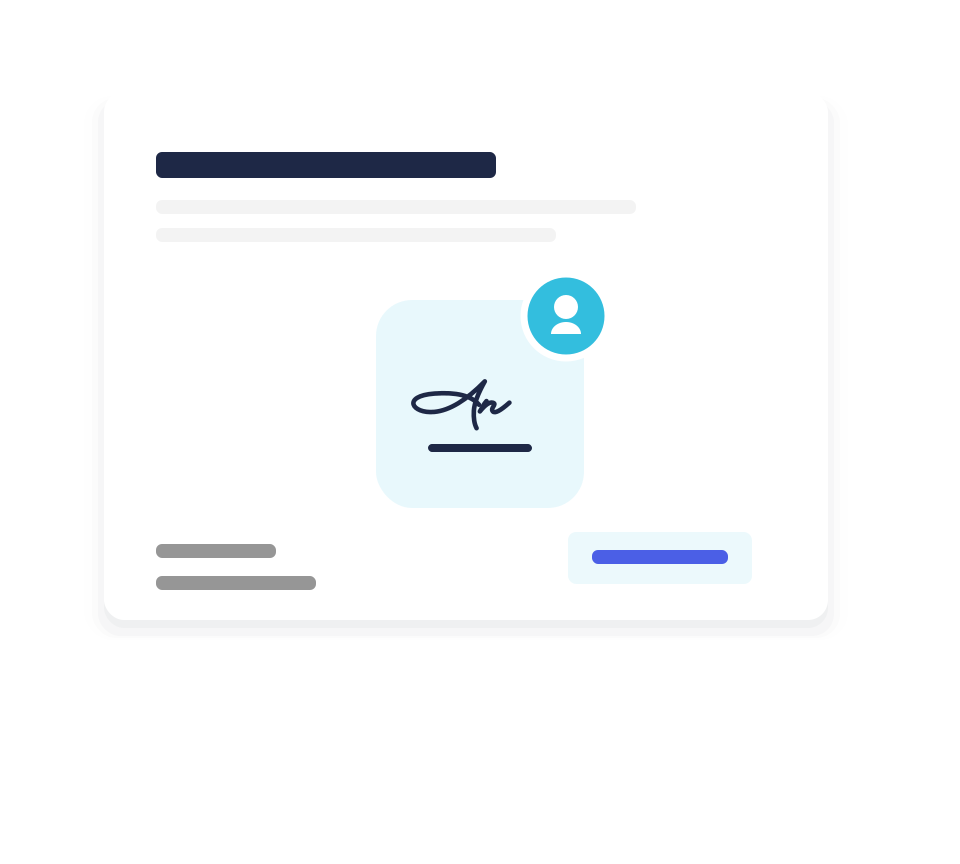
Customer Signoffs
Traditional vs. Automated Service Completion
See how automating customer signoffs and completion documentation with DottedSign accelerates invoicing.

Frequently Asked Questions
Is a customer signoff captured on a phone or tablet legally binding?
Yes. DottedSign's mobile signatures meet the same legal standards as signatures collected in the office, including ESIGN Act and UETA compliance in the US, so on-site customer signoffs hold up the same as any other signed document.
Can technicians capture signoffs without an internet connection?
Yes. Technicians can capture customer signoffs and completion documentation while offline, and the signed record syncs automatically once the device reconnects.
How does this actually speed up invoicing?
Because the signed completion record and supporting documentation are submitted the moment the job ends, billing teams can generate an invoice the same day instead of waiting for paperwork to arrive.
What kinds of completion documentation can be captured?
Customer signoffs, maintenance documentation, installation verification, and warranty acknowledgements are all supported, using templates configured for how your teams already close out jobs.
Can dispatch and billing teams see completion status in real time?
Yes. Completed signoffs and documentation are visible as soon as they're submitted, giving dispatch, billing, and customer experience teams real-time visibility into every job.
Does this integrate with our invoicing or billing process?
Completed, signed service records are ready to hand off into your existing invoicing workflow the same day a job closes, without changing the billing system you already use.
Is customer and completion data stored securely?
Yes. All documentation is encrypted in transit and at rest, with audit trails and access controls that support compliance and dispute-resolution needs.
Does DottedSign work on the devices our technicians already carry?
Yes. DottedSign works in any mobile browser or app on phones and tablets, so there's no special hardware to issue or maintain.
Can we keep using our existing service completion and warranty forms?
Yes. Templates can be configured to match your existing completion reports, maintenance logs, and warranty acknowledgement forms, so technicians see a familiar layout in digital form.
Ready to Drive Your Business Growth With DottedSign?
Talk to our sales team to explore how DottedSign can be tailored to your existing workflows and systems.

Schedule a demo
Get pricing information
Explore use cases for your team
Powered by KDAN


