
Freelance: The Essential Tools to Run Your Business (and Create Your Best Work)
Originally published on 23 September 2019. Last updated on 7 January 2026.
Freelancing means freedom, but it also means you run the whole operation. You’re not only delivering creative work. You’re also handling client communication, deadlines, contracts, revisions, invoicing, and file management.
That’s why the right tools matter. The best freelance setup isn’t complicated, it’s a simple stack that helps you create faster, stay organized, look professional, and get paid on time.
Below is a streamlined, freelancer-friendly guide to essential apps that support the real day-to-day of freelance life, whether you’re a designer, illustrator, writer, marketer, or creative entrepreneur.
What is freelance, exactly?
Freelance work is independent work you do for clients on a project basis (or ongoing contract), without being a full-time employee. You set your rates, choose your clients, and manage your schedule, but you also take responsibility for:
- Finding and onboarding clients
- Defining scope and deliverables
- Signing agreements and keeping records
- Tracking work and deadlines
- Managing payments, taxes, and admin
In short: freelance is a career—and also a business.
Quick checklist: what every freelance workflow needs
A solid freelance workflow usually includes:
- Creation tools (to produce your work)
- Contract + signing tools (to protect your time and income)
- Portfolio + community (to get discovered and stay inspired)
- Project management (to deliver on time)
- Visual assets (to elevate work without extra cost)
- Branding basics (to look credible and charge more)
That’s exactly what the tools below cover.
At-a-glance: the tools in this guide
| Tool | Best for | Why freelancers use it |
| Procreate | Illustration & design on iPad | Fast creation, professional output, portable workflow |
| DottedSign | Contracts + e-signatures | Easy signing, audit trail, no paper, faster approvals |
| Dribbble | Portfolio + visibility | Get clients, showcase work, learn trends |
| Asana | Project & task management | Track deadlines, manage multiple clients, reduce stress |
| Pexels | Free stock photos & videos | Professional visuals without licensing headaches |
| Turbologo | Quick branding & logo design | Look legit fast, consistent identity, client trust |
1) Procreate (for freelance artists & designers)
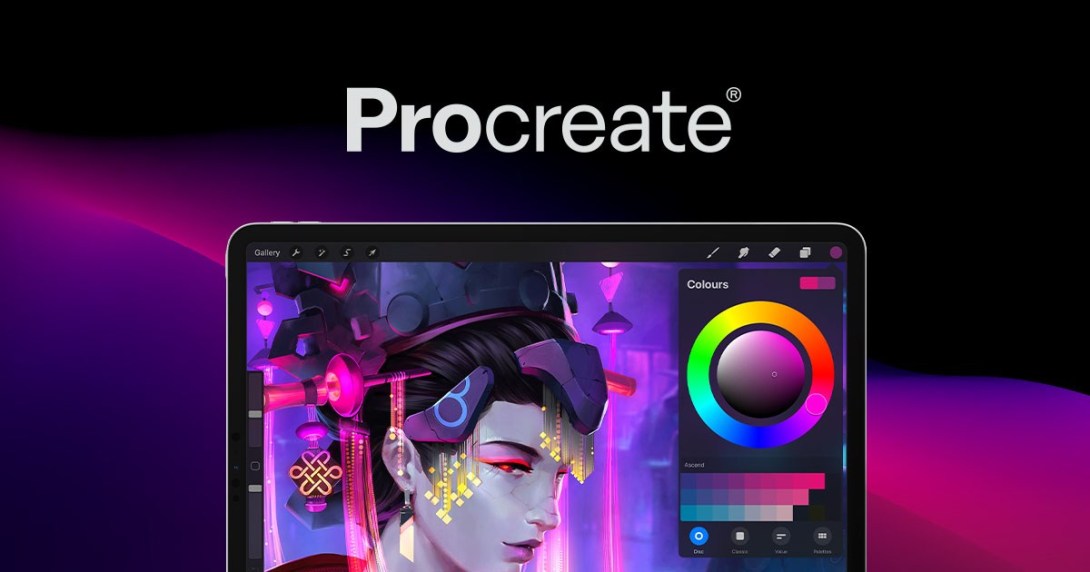
If your freelance work involves illustration, digital art, or design, Procreate turns an iPad into a full creative studio. It’s built for speed, high-quality output, and a workflow that fits real freelance life—working from home, traveling, or switching between projects quickly.
Best for:
- Illustrators, character artists, concept designers, digital painters
- Freelancers who want a portable, professional-grade studio
Why freelancers love it:
- Smooth brush engine + pressure-sensitive control
- Layering for complex compositions
- Timelapse exports (great for marketing your freelance work)
⭐Pro tip:
Save a few custom templates (canvas size + layer groups) for common deliverables—social posts, client thumbnails, print sizes—so you can start faster and stay consistent.
2) DottedSign (for freelance contracts that actually protect you)
Freelancing becomes easier the moment you stop relying on “Let’s confirm over email” and start using clear contracts.
DottedSign is an e-signature service by KDAN, designed to help freelancers send, sign, and manage agreements without printing, scanning, or chasing clients for paperwork. Whether you’re working as a self-employed creative, an independent contractor, or running a small freelance studio, this is one of the highest-impact tools you can adopt.

Best for:
- Freelancers who work with clients (one-off or retainer)
- Independent contractors who need signed approvals fast
Why it matters in freelance life:
A signed contract helps prevent common problems like scope creep, delayed payment, and misunderstandings. It also supports compliance in places where written agreements are required for certain types of freelance work.
What DottedSign helps you do:
- Send contracts for signing from desktop or mobile
- Collect legally valid signatures without paper
- Keep documents organized and all in one place (so you don’t lose “that one file”)
- Maintain a clear audit trail for each agreement
⭐Pro tip:
Use a simple signing flow for every project:
- Proposal accepted
- Contract signed via DottedSign
- Deposit invoice sent
- Work begins
This small routine makes you look more professional and helps you get paid more consistently.
3) Dribbble (for freelance visibility, inspiration, and clients)
Freelancing can feel isolating, especially when you’re creating a bubble. That’s where Dribbble helps: it’s both a portfolio platform and a community where creatives share work, get feedback, and get discovered.
Best for:
- UI/UX designers, brand designers, illustrators, motion designers
- Freelancers who want inbound leads (clients finding you)
Why freelancers use Dribbble:
- Build a public portfolio that’s easy to browse
- Find inspiration and keep up with design trends
- Connect with other creatives (feedback is fuel)
Pro tip:
Post “process” shots occasionally (sketch → draft → final). Clients love seeing how you think, especially for freelance projects where trust matters.
4) Asana (for managing freelance projects like a pro)
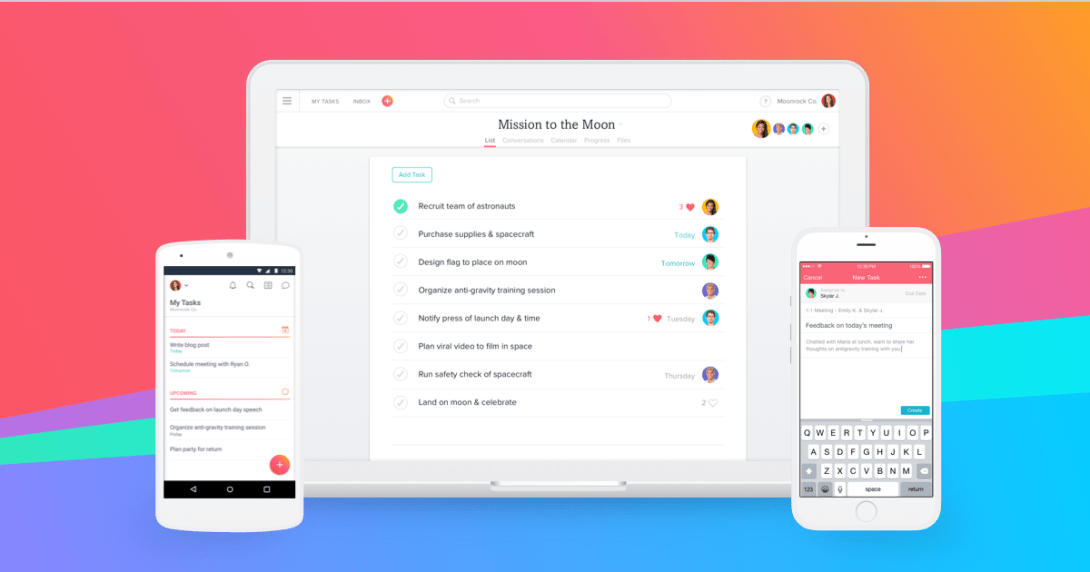
When you’re freelance, your brain becomes the default project manager until it can’t keep up. Asana gives you a clean system to track tasks, timelines, and deliverables across multiple clients.
Best for:
- Freelancers juggling multiple projects
- Anyone who struggles with deadlines or scattered notes
How it supports a freelance business:
- Client project boards with tasks + due dates
- Recurring reminders (invoices, follow-ups, admin tasks)
- Clear visibility of what’s urgent vs what’s next
⭐Pro tip:
Create one “Freelance Admin” project with recurring tasks like:
- Invoice reminders
- Tax tracking
- Portfolio updates
- Outreach goals
- Contract template reviews
This keeps your freelance business healthy, not just your current client work.
5) Pexels (for high-quality visuals without the budget pain)
Freelance work often needs visuals—web headers, blog images, social media assets, mood boards, presentations. Creating everything from scratch isn’t always realistic, and buying stock images can get expensive fast.
Pexels offers a large library of free stock photos and videos that can help freelancers deliver polished work quickly.
Best for:
- Freelance web designers, social media managers, content creators
- Writers who want strong blog visuals without licensing stress
Why freelancers keep it bookmarked:
- Fast search + modern visuals
- Useful video assets too
- Helps avoid risky “random image from Google” mistakes
Pro tip:
Build a mini-library of “go-to” assets by brand style (minimal, warm, tech, nature, etc.). It makes your freelance delivery faster and more consistent.
6) Turbologo (for looking like a real business, fast)
Whether you like it or not, freelance clients judge trust quickly—and branding speeds up trust. A clean logo, consistent typography, and a simple brand kit can make a freelancer look more established and justify higher pricing.
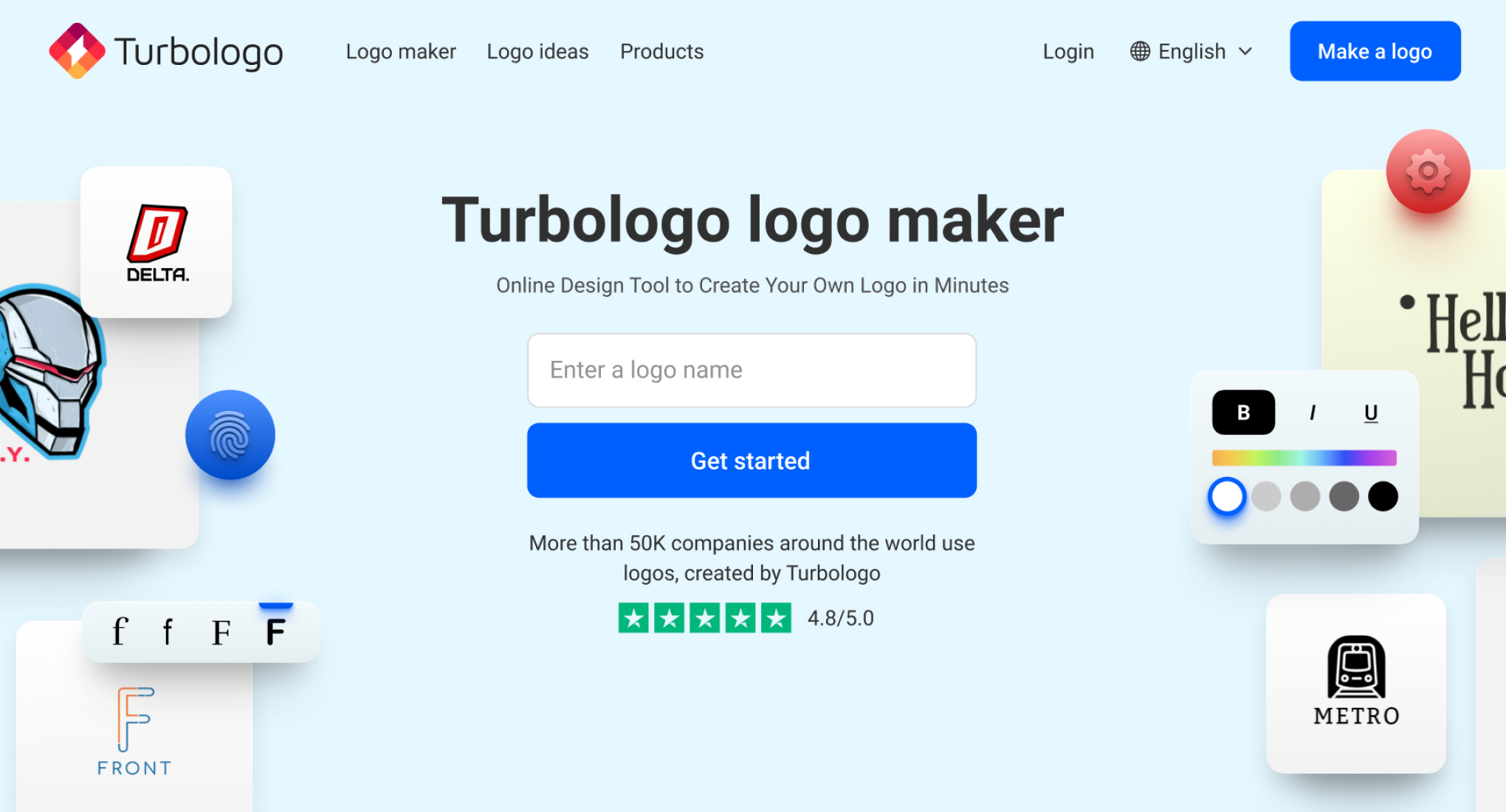
Turbologo is an AI-assisted logo maker that helps freelancers create basic branding without hiring a full design team (or spending weeks in branding limbo).
Best for:
- New freelancers building a professional presence
- Freelancers launching a studio name or service brand
Why it helps:
- Faster “good enough” branding to start selling
- Consistent visuals across portfolio, invoices, proposals
- Helps clients remember you
Pro tip:
Even if you’re a designer: don’t overthink your first logo. Your freelance brand can evolve—what matters early is clarity and consistency.

Bonus: 5 more tool categories that can boost freelance income
If you want more organic reach (and a more complete guide), adding these categories also helps your SEO because people search for them constantly.
Invoicing & payments
- Helps you get paid on time and look professional
Examples: invoicing software, payment links, invoice templates
Time tracking
- Useful for hourly freelance work and scope control
Examples: timers, weekly reports, client summaries
File delivery & backup
- Prevents “I lost the final file” nightmares
Examples: cloud storage, shared folders, version control
Meetings & communication
- Freelancers win by communicating clearly
Examples: booking links, meeting notes, async updates
Proposals & onboarding
- Makes it easier to close clients and start smoothly
Examples: proposal templates, onboarding checklists, intake forms
Conclusion: freelance success is easier with the right systems
Freelance work rewards independence, but it also demands structure. The tools in this guide help you cover the areas that matter most:
- Create high-quality work (Procreate)
- Protect projects with contracts (DottedSign)
- Build visibility and community (Dribbble)
- Deliver on time (Asana)
- Upgrade visuals safely (Pexels)
- Build a credible brand (Turbologo)
If you want one simple starting point: get your contract workflow in place first. When your agreements are clear and easy to sign, everything else becomes smoother—scope, payment, timelines, and client trust.
Start every freelance project with a signed agreement using DottedSign, so you can spend less time chasing paperwork and more time doing the work you love.
FAQ: freelance questions people search on Google
What does “freelance” mean?
Freelance means working independently for clients—usually project-based or contract-based—without being employed full-time by one company.
Do freelancers need a contract?
Yes. A contract protects both sides by clarifying scope, deadlines, payment terms, and ownership rights. It also reduces disputes and scope creep.
What’s the best tool for freelance contracts?
A tool that lets you send, sign, and store agreements easily (with an audit trail) is ideal—especially when working remotely. DottedSign is built for that workflow.
How do freelancers stay organized with multiple clients?
Most freelancers use a project management tool (like Asana), plus a consistent system for deadlines, files, contracts, and invoices.
Where should freelancers build a portfolio?
Anywhere clients can easily view your work. Many creatives use portfolio communities like Dribbble, plus a simple personal website.
How can freelancers look more professional quickly?
Use consistent branding (logo + simple identity), send proper proposals, and always use signed agreements. Those signals build trust fast.