

Real-Time Business Communication With DottedSign and LINE WORKS Integration
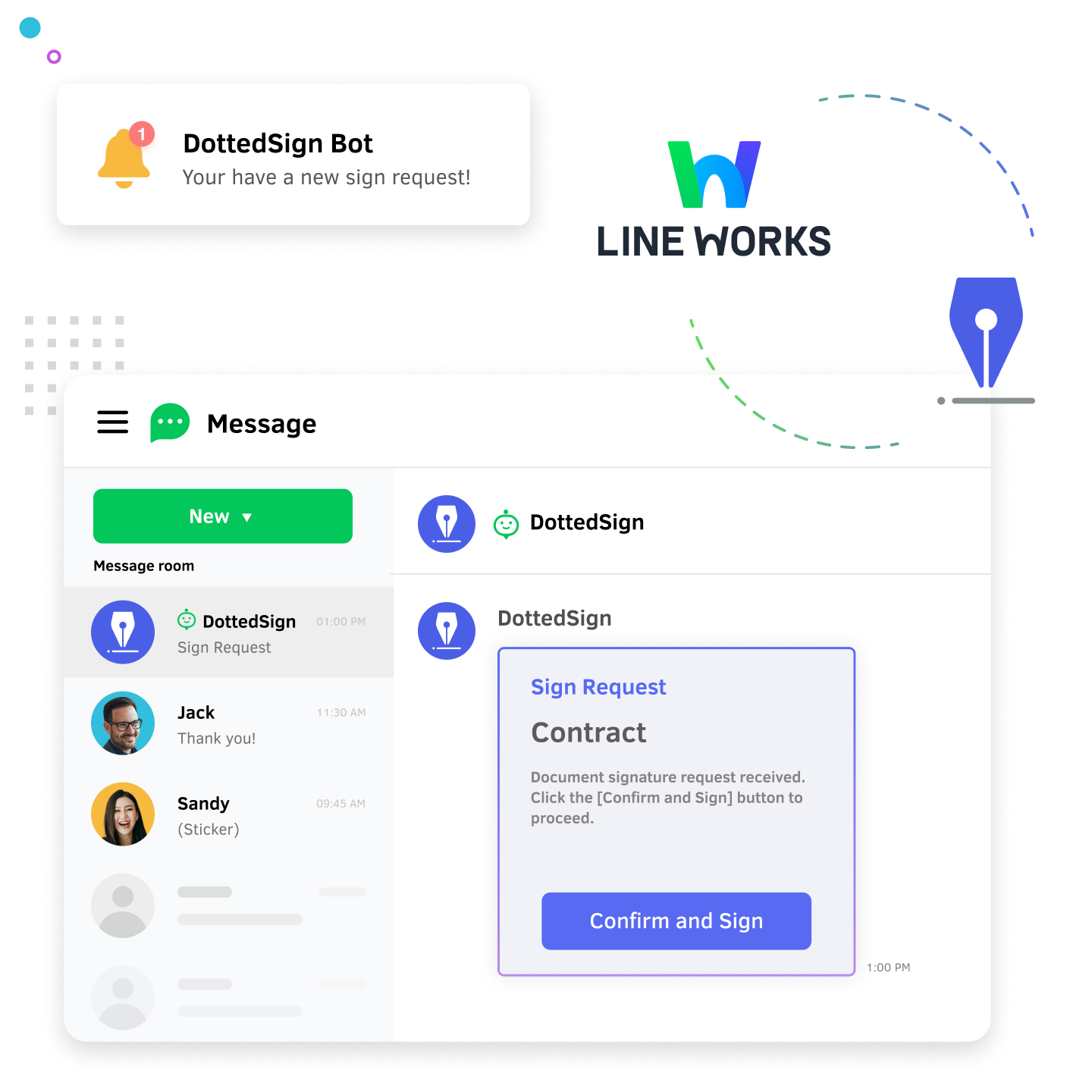
By integrating with LINE WORKS, the leading business communication platform, DottedSign’s eSign solution enables enterprises to seamlessly manage contract signing progress directly within their communication tool.
Secure Communication and Seamless eSign Workflow

Supports Live Communication with Personal LINE Accounts
- LINE WORKS is the only business communication platform linked with LINE. Users familiar with LINE can get started easily and connect instantly with external partners, clients, or consumers through text, voice, or video calls. It also separates personal and business messages, creating a more efficient communication workflow.
Protect Enterprise Data from Leakage
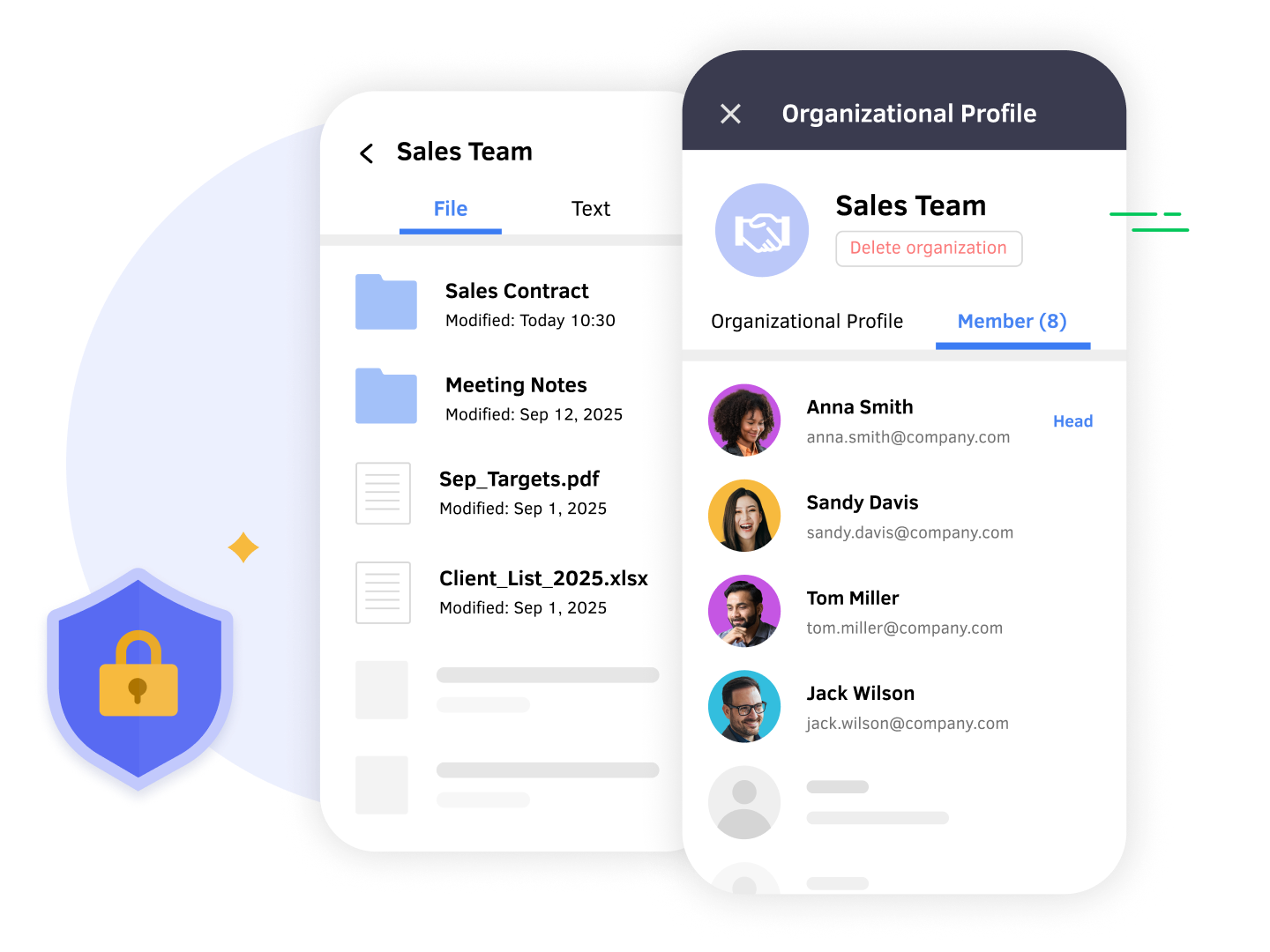
- Losing customer data due to employee departures is now a thing of the past. LINE WORKS enables enterprises to retain complete conversation records, centrally manage internal user accounts, and provides all-in-one management of files, internal announcements, and calendars—delivering advanced protection for organizational data security.
DottedSign and LINE WORKS integration for Real-Time Document Tracking
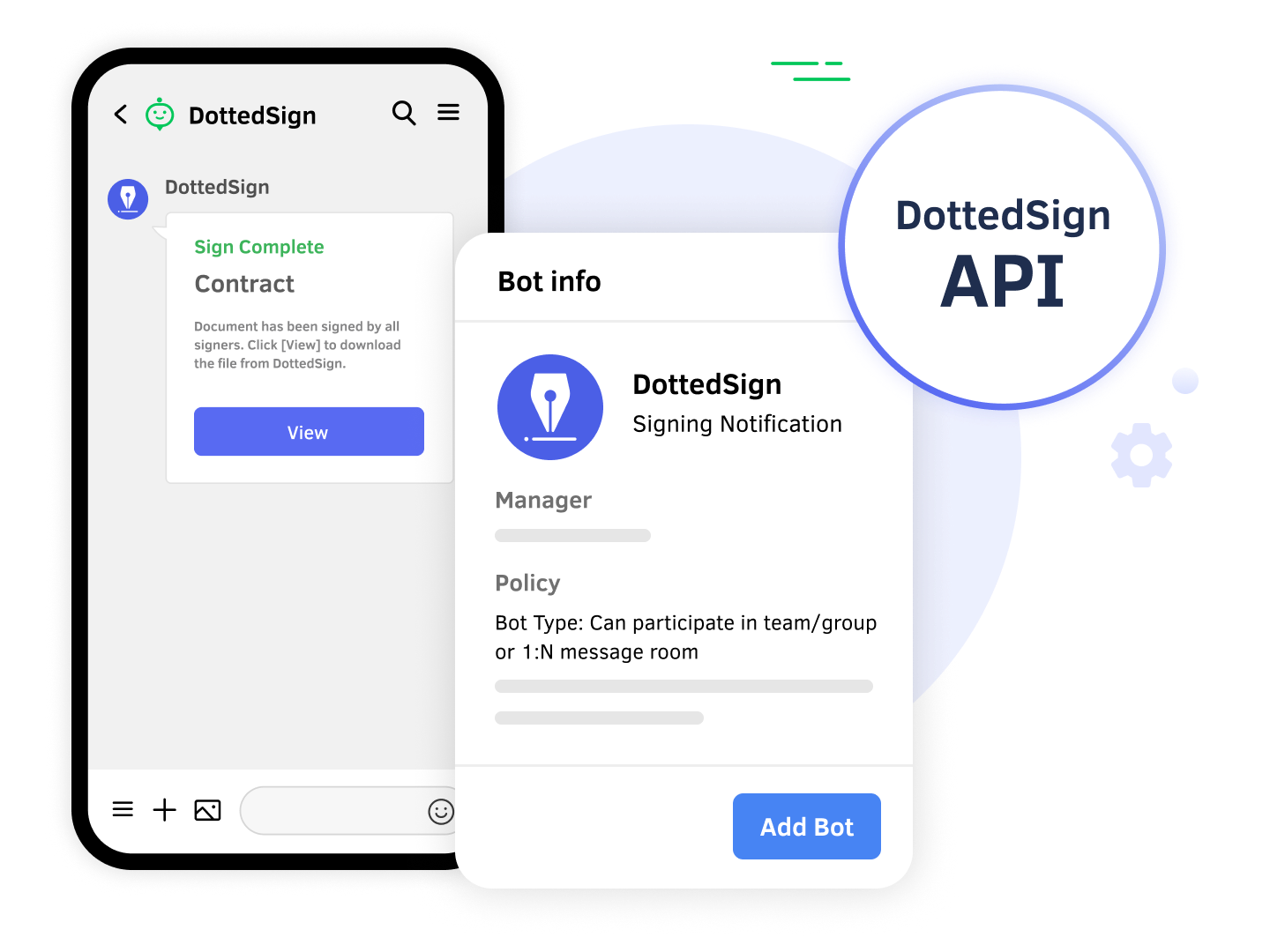
- Integrating DottedSign with LINE WORKS via API delivers real-time updates on signing progress, streamlining business document workflows. Senders and recipients only need a DottedSign account to receive signing updates and review completed documents directly within LINE WORKS chat.
Meet DottedSign for LINE WORKS
Easily manage business document signing progress with DottedSign’s digital workflow solution integrated with LINE WORKS.
Frequently Asked Questions
Do I need a LINE WORKS or DottedSign account to implement the LINE WORKS x DottedSign integration?
Yes, you need both a LINE WORKS account and a DottedSign account to use this solution. You are welcome to sign up for a DottedSign account or contact our sales team to help assess your implementation.
I already have a LINE WORKS account. How do I connect it with DottedSign?
Your LINE WORKS account must be in developer mode, and you should be able to log in to the LINE WORKS Developer Console. Please note that you will need a Callback URL to complete the relevant parameter settings. Contact our customer support to complete the integration. If you encounter any difficulties during the development process or need further assistance, you can email us at support@info-dottedsign.com. You can also visit the DottedSign Help Center for detailed integration instructions.
I don’t have a LINE WORKS account. What should I do?
You can apply for an account via the official LINE WORKS website, or contact our sales team for guidance on purchasing and implementing the solution.
Ready to Drive Your Business Growth With DottedSign?
Talk to our sales team to explore how DottedSign can be tailored to your workflows.

How DottedSign and LINE WORKS integration works
Get pricing information
Explore use cases for your business
Powered by KDAN


