

Your AI eSignature Assistant, Now in Slack
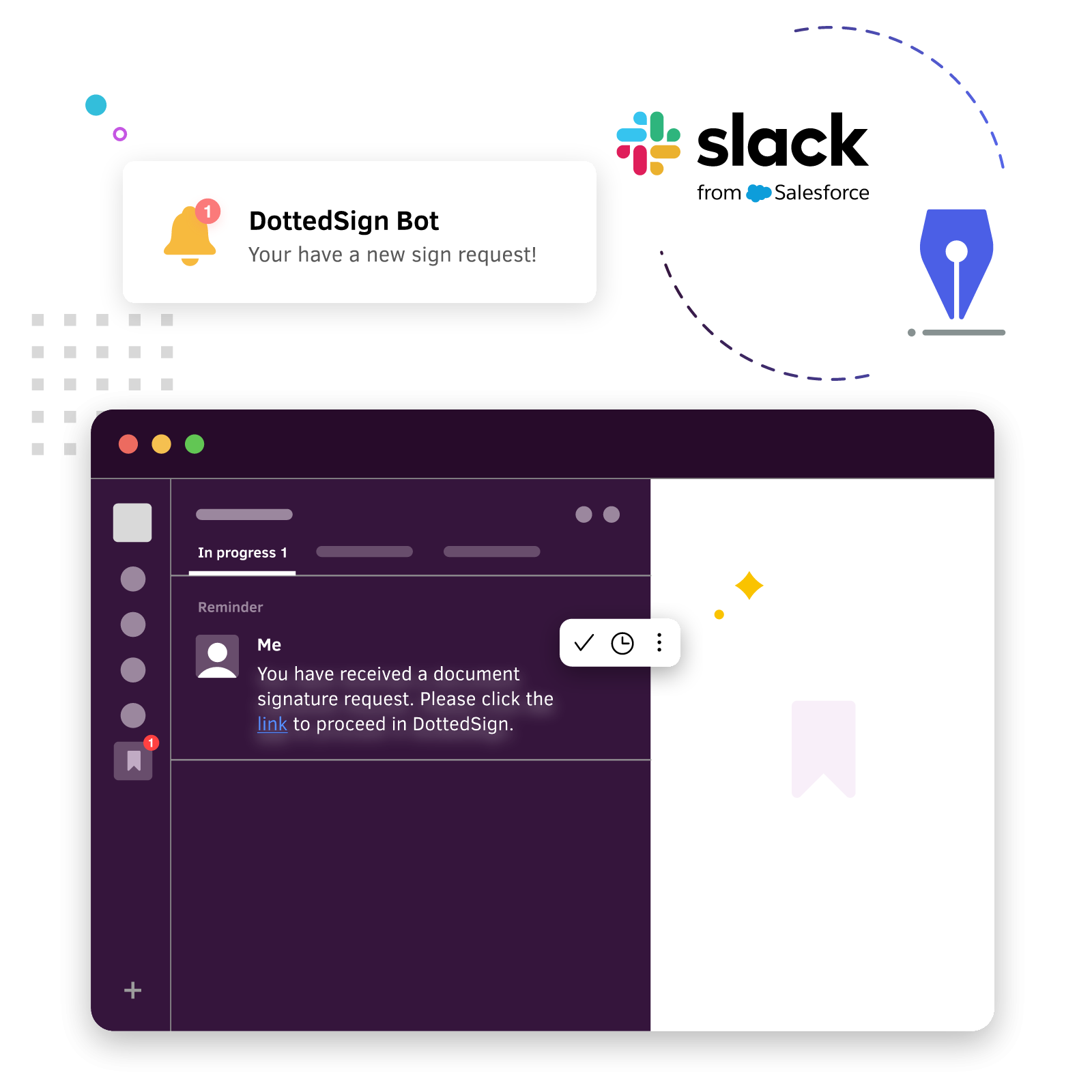
Stop switching between Slack and DottedSign. Simply tell AI what you need, and let it create, send, sign, track, and manage your signing workflows—all from your Slack conversations.
Why Teams Love DottedSign for Slack
Ask Naturally
No commands required. Simply describe what you need, and DottedSign understands your request and takes action.
Stay Focused
Create, send, and manage signing workflows without leaving Slack, so your team can stay in the conversation.

Save Time
Automate repetitive signing tasks and keep work moving without leaving Slack.
Frequently Asked Questions
How do I use DottedSign in Slack?
Click "Add to Slack" and authorize the app. Then open a direct message with @DottedSign and connect your DottedSign account to get started right away. You can describe what you need in plain language (e.g., "List my pending signing tasks" or "Create a signing task from a template"), and the DottedSign AI assistant will automatically understand and respond to help you complete your signing workflow.
What can I ask DottedSign to do?
You can use natural language to ask the DottedSign AI assistant to help you in Slack:
- Create signing tasks
- Send signing requests
- Complete document signing
- Check signing progress
- View pending tasks
- Manage your entire signing workflow
Do I need to learn Slack commands?
No. Simply describe what you need in natural language, and DottedSign’s AI assistant will handle the signing workflow for you.
Is my data secure?
Yes. Every request is securely processed through your DottedSign workspace, using the same enterprise-grade security, permissions, and audit trails you already trust.
Do I need a DottedSign account to use it in Slack?
Yes. A DottedSign account is required to use it in Slack. Some features are limited in the Free and Pro plans (such as sending signing tasks). To fully leverage AI-powered workflows—including creating signing tasks, sending documents, tracking progress, and signing documents—we recommend upgrading to the DottedSign Business plan. Start your 14-day free trial to unlock full features.
Are DottedSign's responses always accurate?
DottedSign's Slack integration uses a Large Language Model (LLM) to understand and respond to your requests. Because AI-generated content has inherent limitations, responses may sometimes be inaccurate or incomplete. We recommend double-checking the relevant documents and content before taking important signing actions. If you have any questions, feel free to contact our support team.
What should I do if I run into a problem?
You can contact our support team anytime, or email support@info-dottedsign.com for further assistance.
Explore More Resources

Ready to bring AI into your document signing workflows?

Need the Right Integration for Your Workflow?

Enterprise eSignatures, on Your Infrastructure.

Connect Your Tools. Automate Your Workflow. eSign Instantly.


Ready to Drive Your Business Growth With DottedSign?
Talk to our sales team to explore how DottedSign can be tailored to your Salesforce CRM workflows.

How DottedSign and Slack integration works
Get pricing information
Explore use cases for your business
Powered by KDAN


