


AI-Native MCP for Document Signing Workflows
DottedSign uses Model Context Protocol (MCP) to bring eSignature workflows into AI environments such as ChatGPT and Claude. Create, send, track, and manage tasks through natural language.
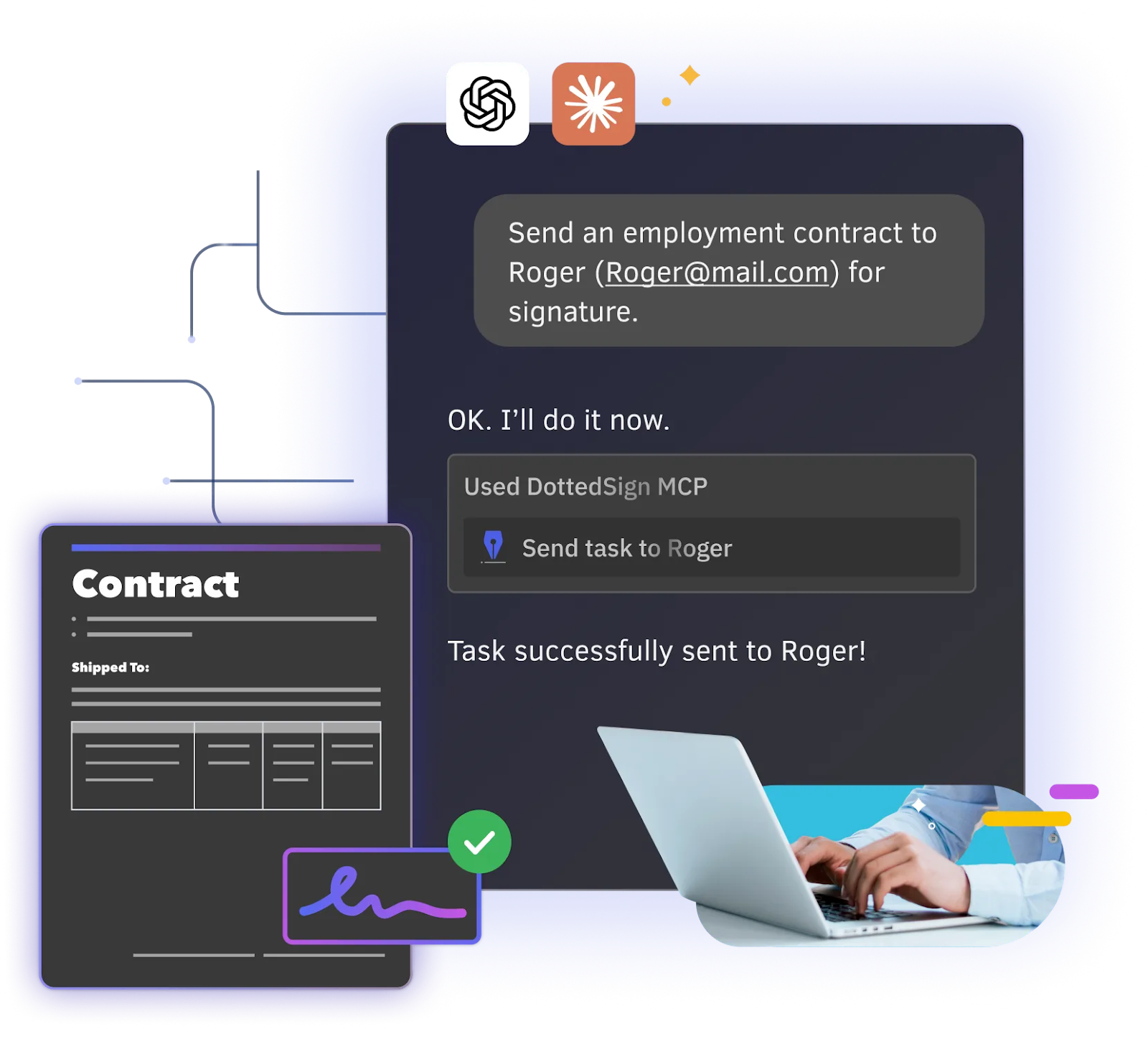
Transform eSignature Workflows with Conversational AI
Improve Efficiency
Condense multi-step processes into a single natural language command, significantly reducing document processing time and accelerating contract turnaround.

Lower the Learning Curve
No complex interface required. Users can complete document signing workflows through natural language, enabling every team member to get started quickly.
Focus on Business Growth
By automating document signing workflows with AI, teams can reduce administrative workload and focus more on customers, revenue, and business growth.
DottedSign MCP: A New AI-Powered eSignature Experience
DottedSign Interactive Demo – Send Signing Tasks via Claude
Send eSignature tasks directly within AI interfaces, with no system switching. Feel free to switch between languages to explore this feature!
Frequently Asked Questions
What is MCP and how does it integrate with DottedSign?
Model Context Protocol (MCP) is a framework that enables AI systems to securely connect with and operate external services. With MCP, AI can interact directly with DottedSign, translating natural language instructions into document creation, signing requests, and workflow management actions. This significantly simplifies multi-step signing processes and improves operational efficiency.
Do recipients need to register or pay to sign documents sent via AI?
Absolutely not! Once your clients or other recipients receive a DottedSign document in their inbox, they can sign it on any device without needing a DottedSign account.
What signing-related tasks can AI assist with?
AI can assist with sending signature requests, tracking progress, parsing document content, canceling or resending documents, filling required fields, and completing signing actions—covering key steps across the entire document lifecycle.
Is it secure to sign documents using AI?
When using DottedSign MCP with AI platforms, all actions require your explicit authorization. The AI platform serves as a natural language interface, while all document signing, data processing, and task execution are securely handled within DottedSign. This ensures the same level of protection as direct use of DottedSign, supported by encryption and tamper protection with digital certificates.
Do I need a DottedSign account to use DottedSign MCP?
Yes. A DottedSign account is required to use DottedSign MCP. All plans support AI platform integration, but some features are limited in the Free and Pro plans (such as sending signing tasks). To fully leverage AI-powered workflows—including creating signing tasks, sending documents, tracking progress, and signing documents—we recommend upgrading to the DottedSign Business plan. Start your 14-day free trial to unlock full features.
Which AI platforms does DottedSign MCP support?
This feature is currently available on major conversational AI platforms such as ChatGPT and Claude. Detailed setup instructions are available via the installation guide.
Explore More Resources

Ready to bring AI into your document signing workflows?

Need the Right Integration for Your Workflow?

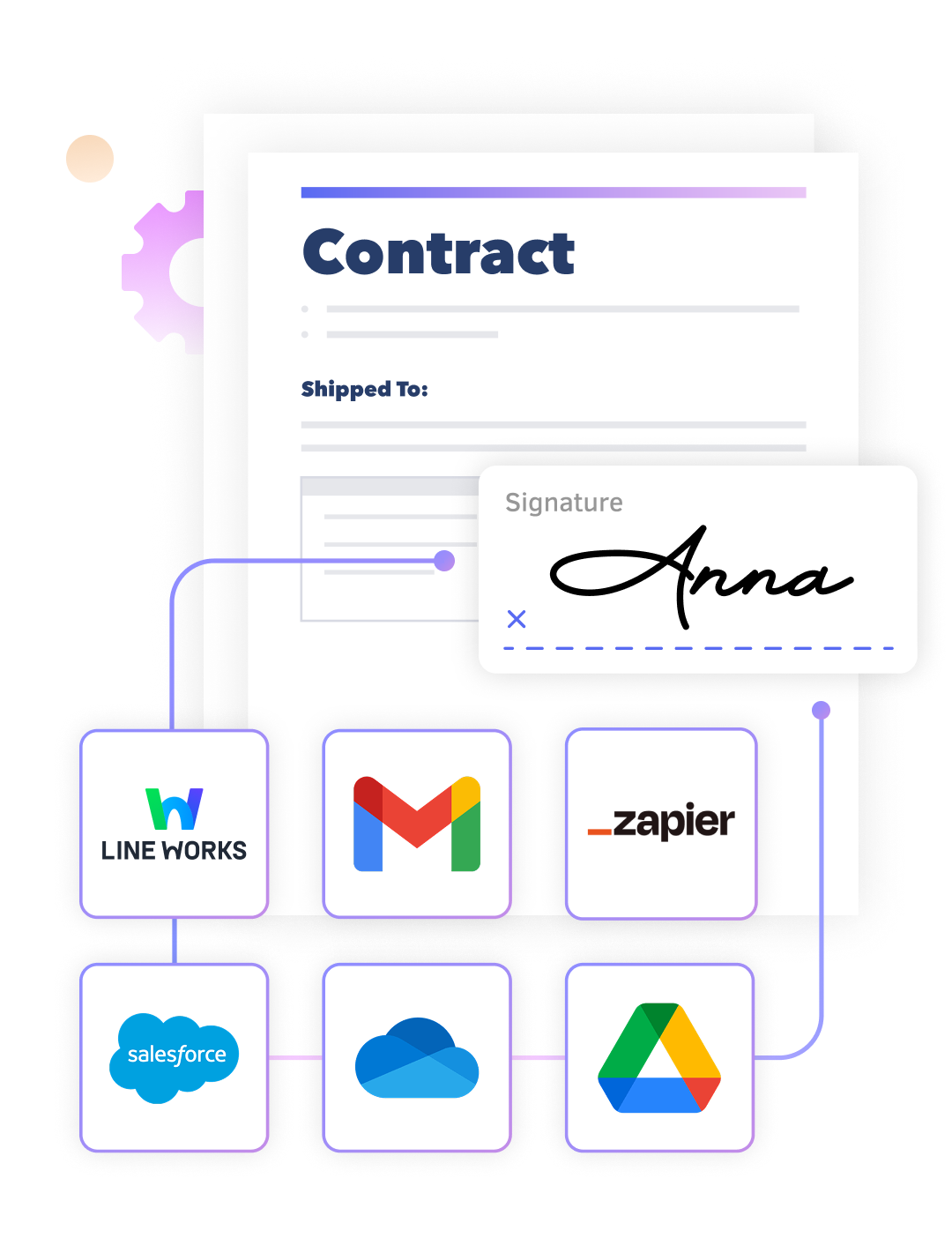
Connect Your Tools. Automate Your Workflow. eSign Instantly.


Ready to Drive Your Business Growth With DottedSign?
Talk to our sales team to explore how DottedSign can be tailored to your Salesforce CRM workflows.

How DottedSign MCP works
Get pricing information
Explore use cases for your business
Powered by KDAN


